Android / Wear OS / Kinetic training

Plan it.
Do it.
Done.

Workout. Done. is a focused training tool for building clear routines, moving through them without friction, and keeping the work you finish in view.

See it in action

01 Built for the moment between “what should I do?” and “that’s done.”
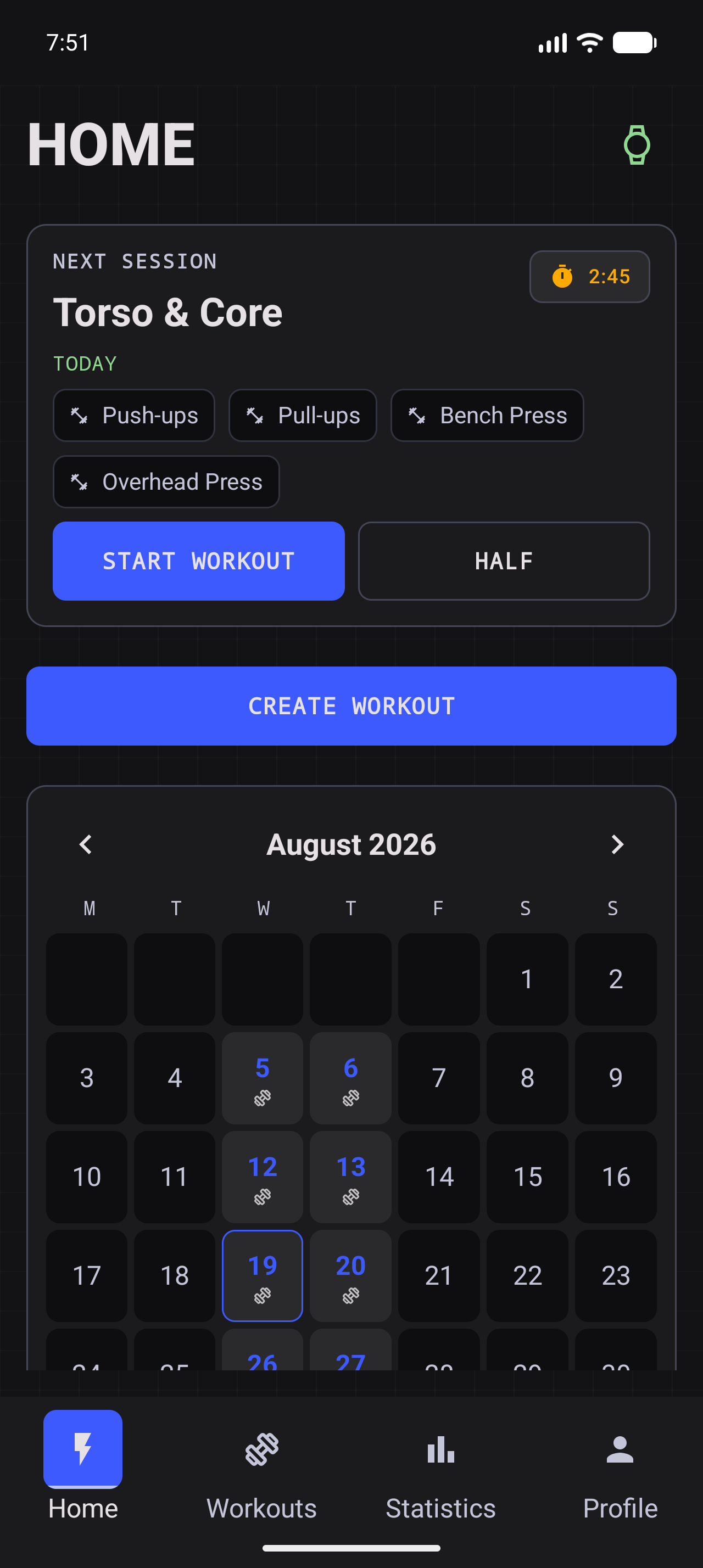
Workout. Done. phone Home screen showing a created workout
Next sessionReady when you are

Join the test run.

Three quick steps get Workout. Done. onto your device. You will need to be signed in to the Google account you want to test with.

  1. Join the Google Group.

    Open the Workout. Done. group, sign in if Google asks, and select Join group.

    Open Google Group
  2. Become a tester.

    Open the testing page and select Become a tester to accept the closed-beta invitation.

    Open testing page
  3. Download the app.

    Follow Google Play’s Download or Install action. If the tester access takes a moment to appear, refresh the page later.

    Open Google Play
Google Groups page for Workout. Done. with the Join group button visible
01Join the group first.
Google Play closed-beta page with the Become a tester button visible
02Accept the tester invitation.

Less setup.
More training.

Create the workout you actually want to do, start it when the moment arrives, and let the app keep the state clear while you move. Every screen is designed to be readable at a glance.

01 / BUILD

Make the plan yours.

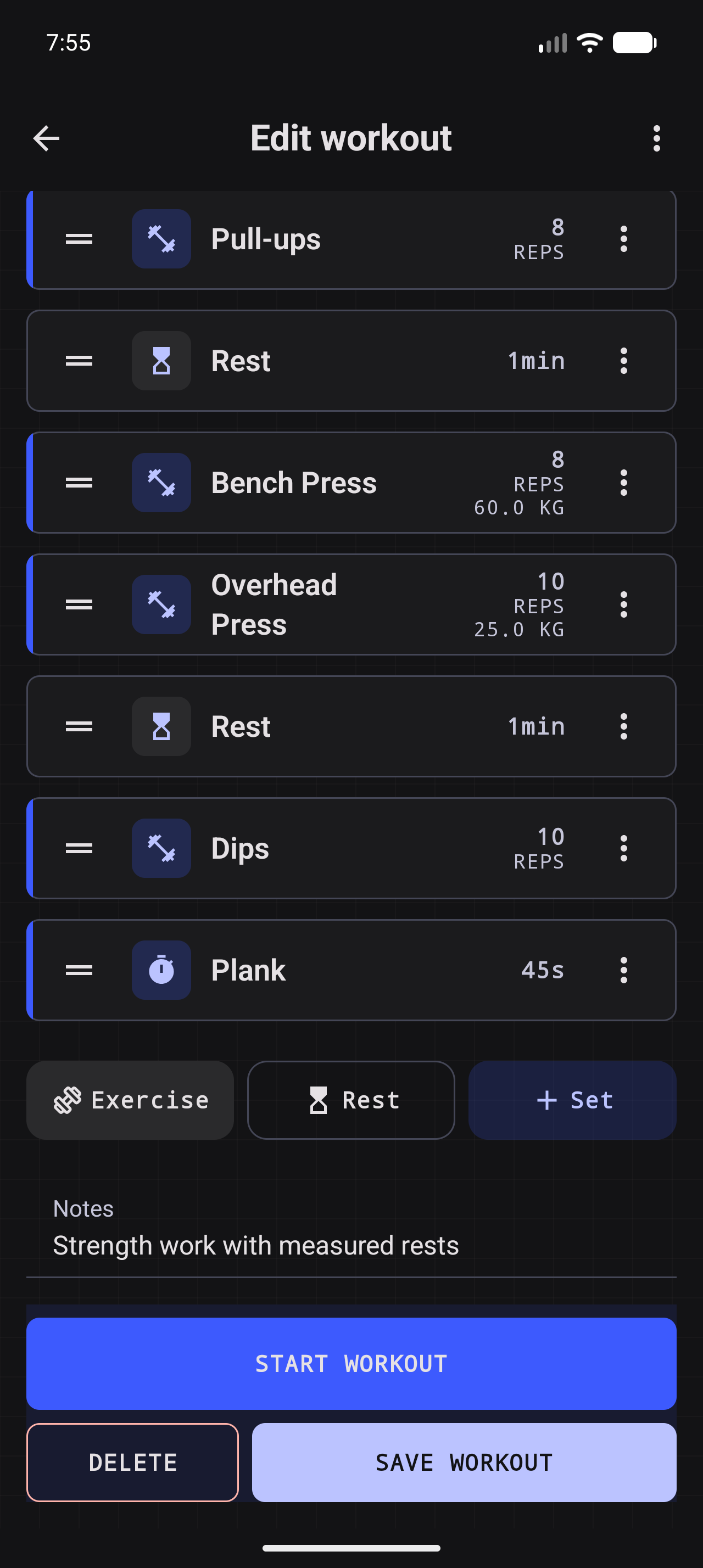
Exercises, timed rests, repetitions, weights, distances, and grouped sets live in one ordered workout you can edit, import, export, and reuse.

02 / MOVE

Follow the moment.

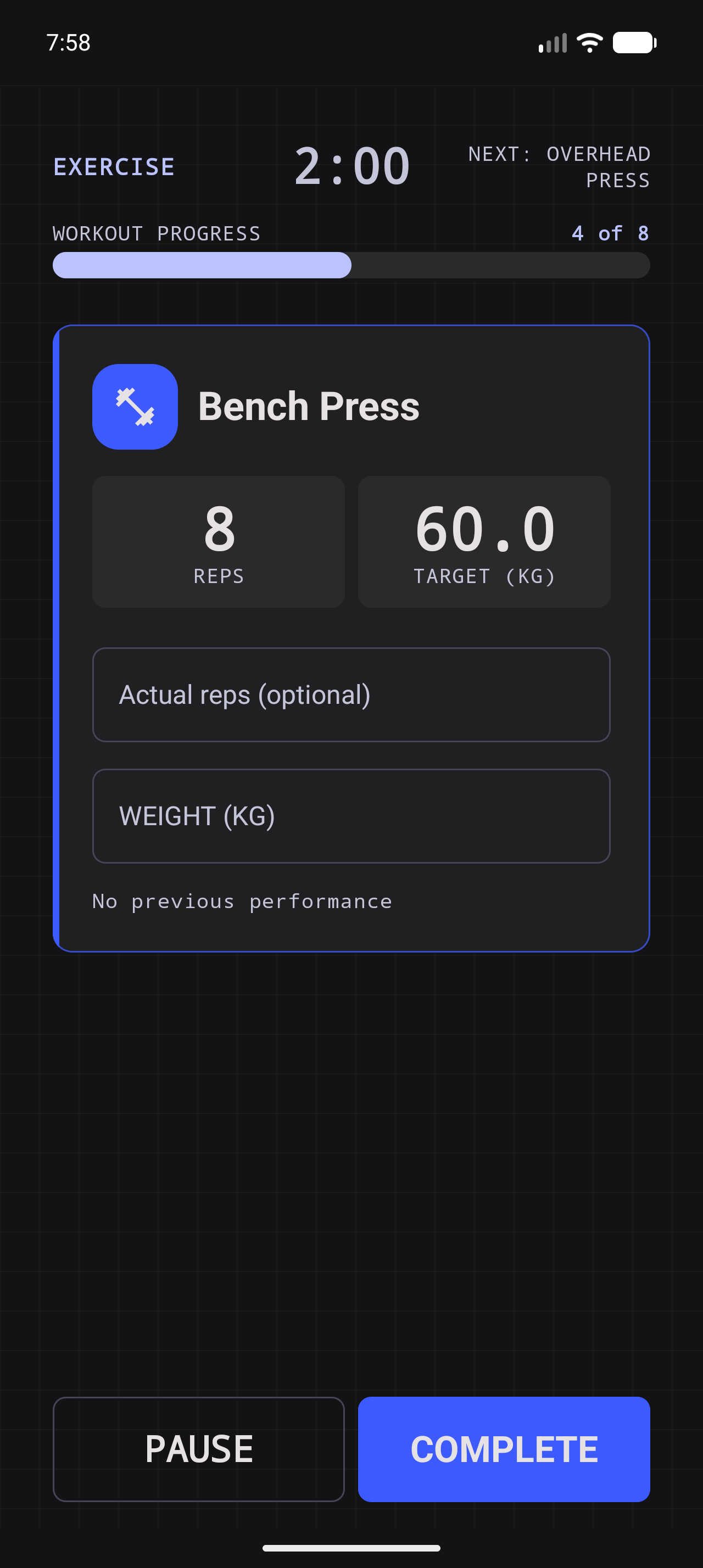
Countdowns, timers, pause, skip rest, and completion controls keep the runner focused on the current phase.

03 / REMEMBER

Keep the finish.

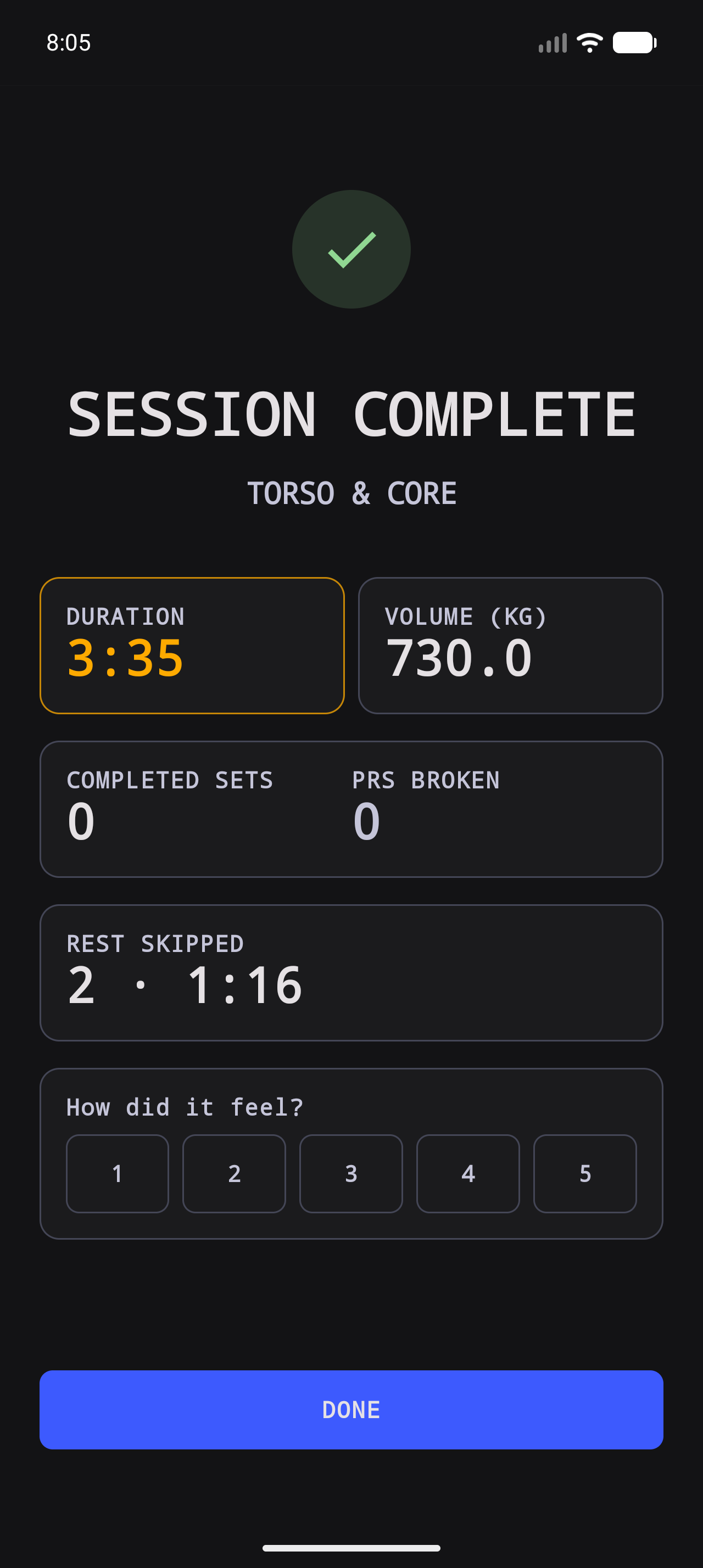
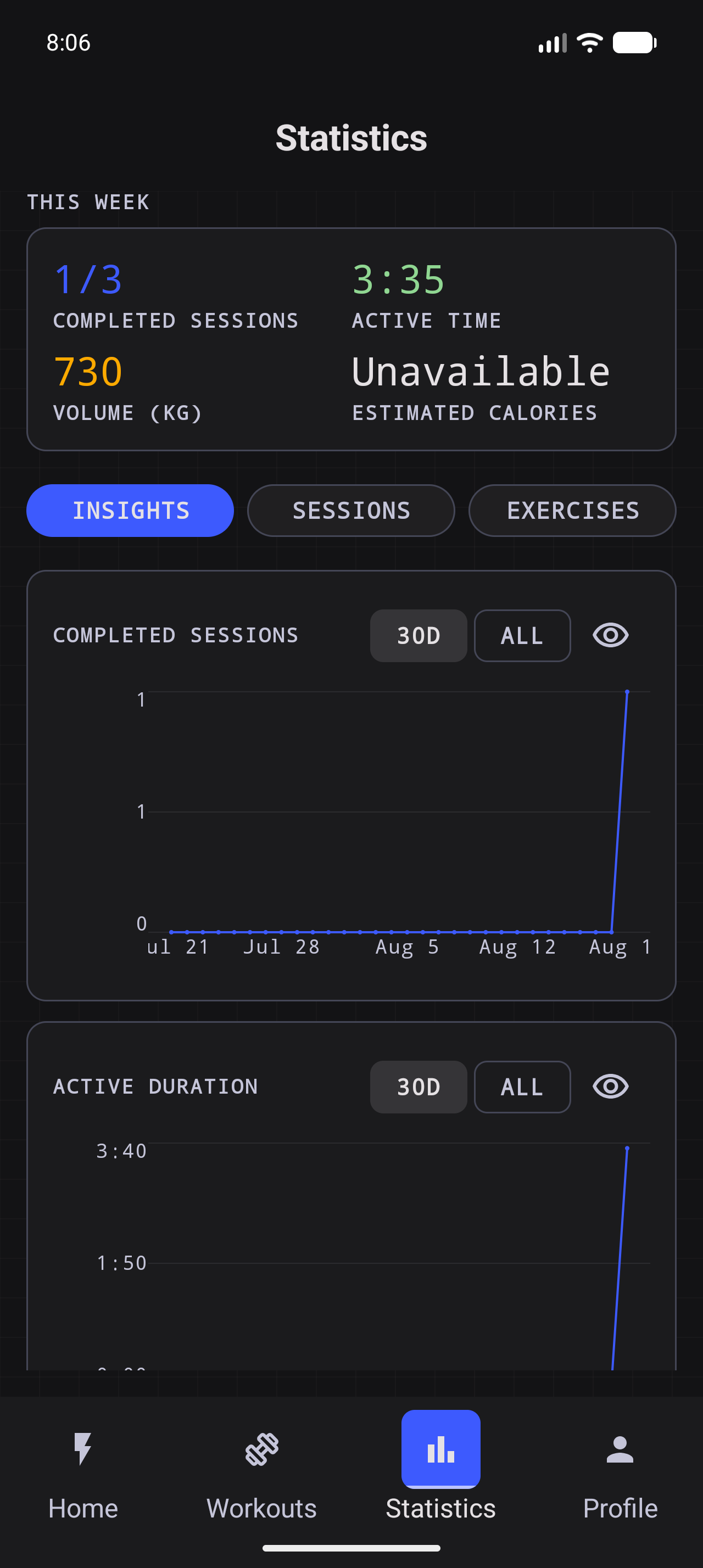
Completed sessions, active time, volume, personal records, and weekly statistics make the work visible after the last rep.

From blank page
to completed.

A small sequence of real app states: author a workout, choose an exercise, run the session, and leave with a record of what happened.
Workout. Done. phone Home screen showing a created workout
01A created workout, ready to go
Workout. Done. phone workout editor showing configured exercises
02Shape the session
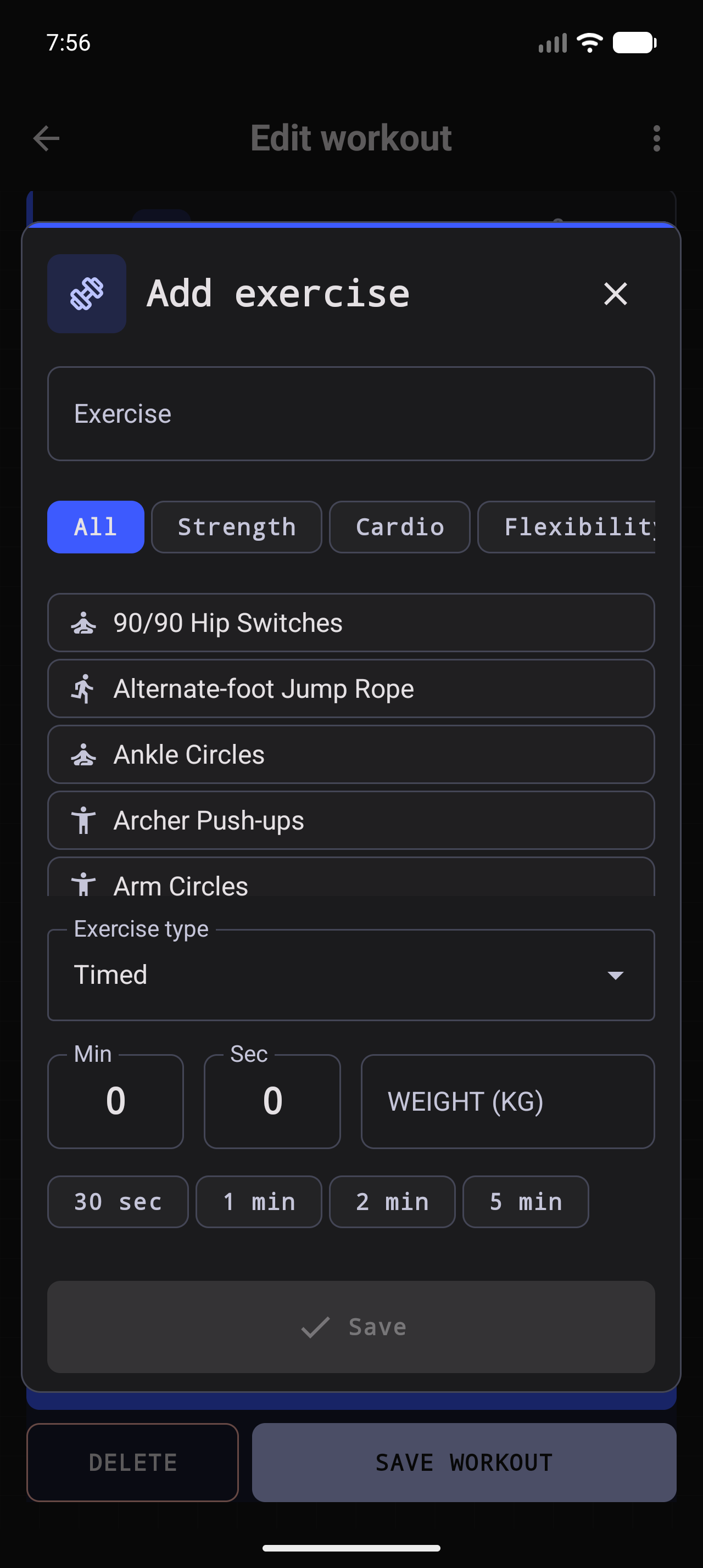
Workout. Done. phone Add Exercise flow
03Add the right movement
Workout. Done. phone active workout runner
04Stay in the work
Workout. Done. phone completed workout summary
05Keep the finish
Workout. Done. phone Statistics Insights screen
06Statistics in view

Leave the phone
in the locker.

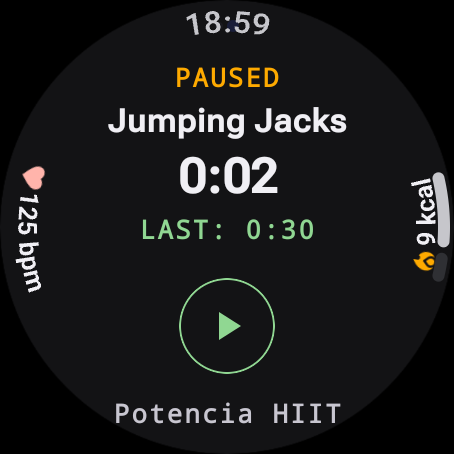
Send your workouts to the watch, start a Full or Half session from your wrist, and let the result make its way back when the work is finished.
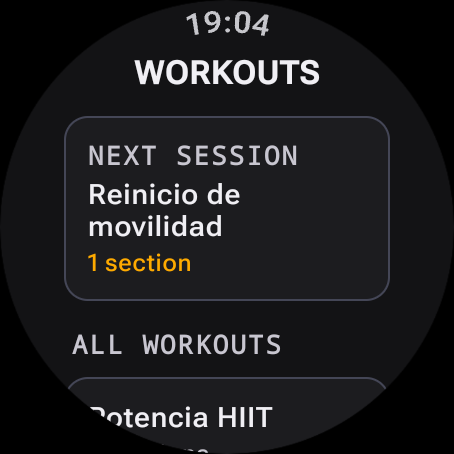
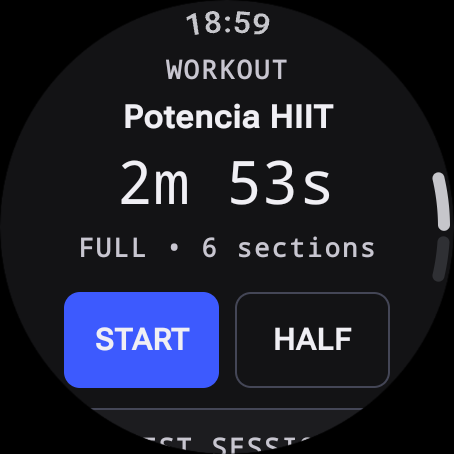
  • Cached workouts stay available when the connection is quiet.
  • Round-safe controls keep the current phase readable.
  • Completed results sync back to the phone’s history.
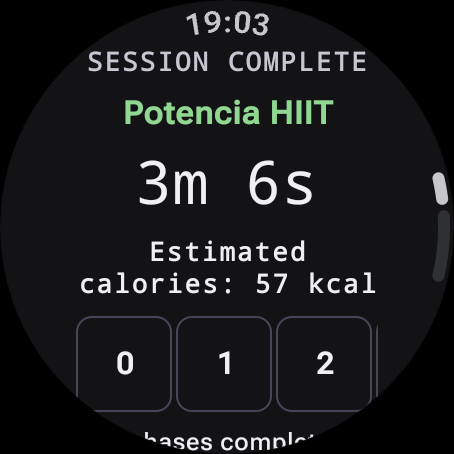
Workout. Done. Wear OS landing screen showing a synced workout
Synced and ready
Workout. Done. Wear OS workout summary with Full and Half session controls
A glance is enough
Workout. Done. Wear OS active exercise screen showing a reps and weight target
Stay in the work
Workout. Done. Wear OS completed workout result with sync status
Result delivered

Make the plan.
Then make it done.

Workout. Done. is being prepared for its public Google Play release.

Contact Us